



SKU: 14:193
Pro 50 Bluetooth Earphones With True Wireless TWS Earplug Style Noise Reduction For Gaming And Esports Bluetooth Earphones Pro 5
Pro 50 Bluetooth Earphones With True Wireless TWS Earplug Style Noise Reduction For Gaming And Esports Bluetooth Earphones Pro 5
In stock
-
All orders are dispatched the next business day!
-
We will beat any price. We back all products with a 1 year guarantee.
Order in the next 0 hours 0 minutes to get it by /08/2026
Couldn't load pickup availability
Guaranteed Safe Checkout
SPECIFICATIONS
Active Noise-Cancellation: Yes
Battery Capacity[mAh]: 200
Battery life up to[hours]: 3.5
Bluetooth Version: 5.1
Brand Name: other
Category: Earphones & Headphones
Charging Method: Charging case
Choice: yes
Communication: WireLess
Connectors: USB
Control Button: Yes
Depth[mm]: 99
Driver Diameter: 12
Earcups Type: Semi-open
Features: Waterproof,With microphone,Active Noice Cancelling
Frequency Response Range: 20 - 20000
Function: for Video Game,Common Headphone
Headphone Pads Material: Other
Height[mm]: 31
High-concerned chemical: None
Impedance Range: up to 32 Ω
Is wireless: Yes
Line Length: 0.2
Magnet Type: Other
Material: ABS,Plastic
NFC Technology: No
Number Of Drivers: 2
Origin: Mainland China
Package List: User Manual,Charging case
Plug Type: Line Type
Resistance: 32
Sensitivity: 45
Sound Isolating: No
Style: Wired in-ear headphones
Support APP: No
Support Memory Card: No
Total Harmonic Distortion: 10
Vocalism Principle: Balanced Armature
Voice assistant built-in: No
Volume Control: Yes
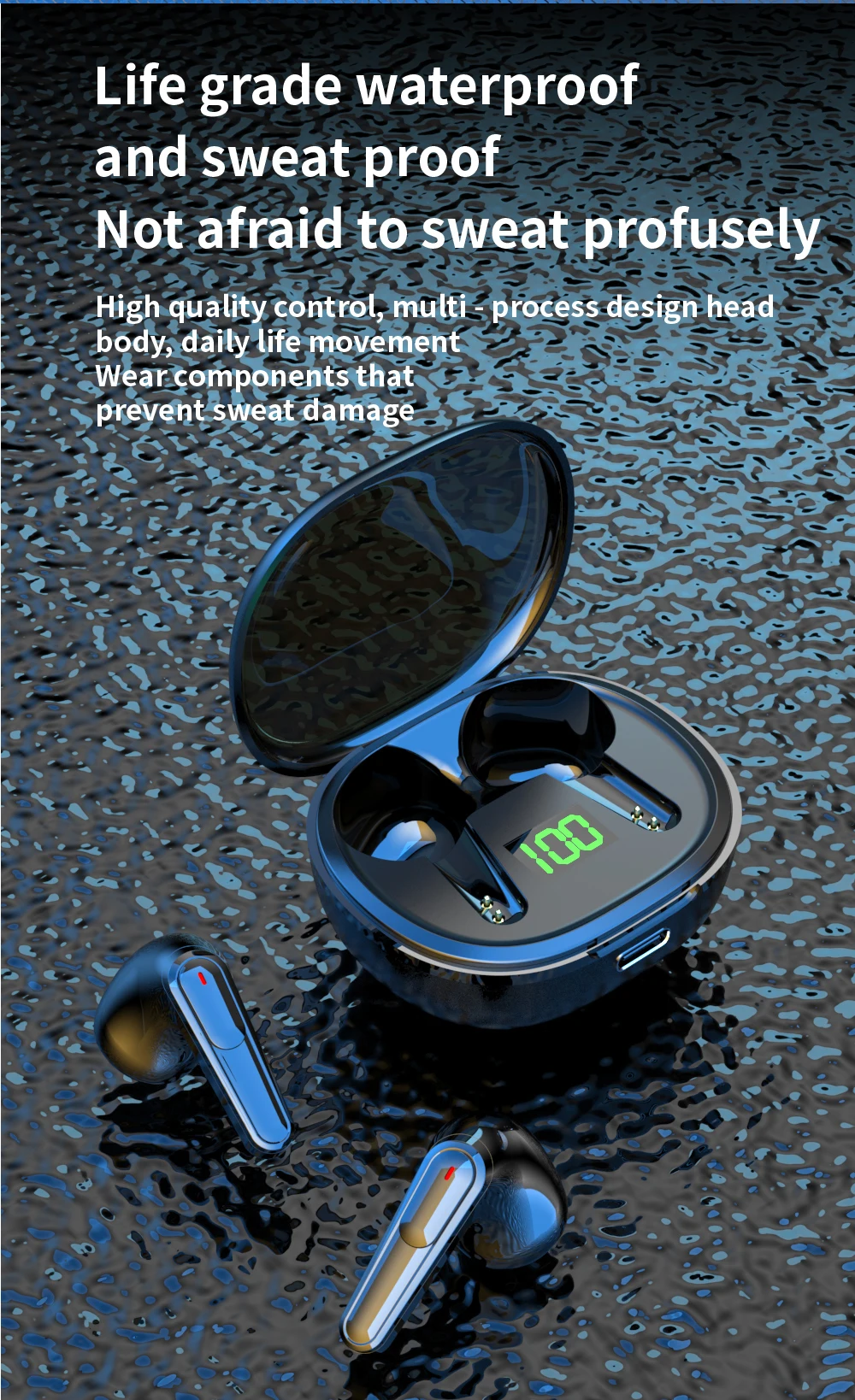
Waterproof: Yes
Weight[g]: 53
Width[mm]: 99
Wireless Type: Bluetooth
With Microphone: Yes
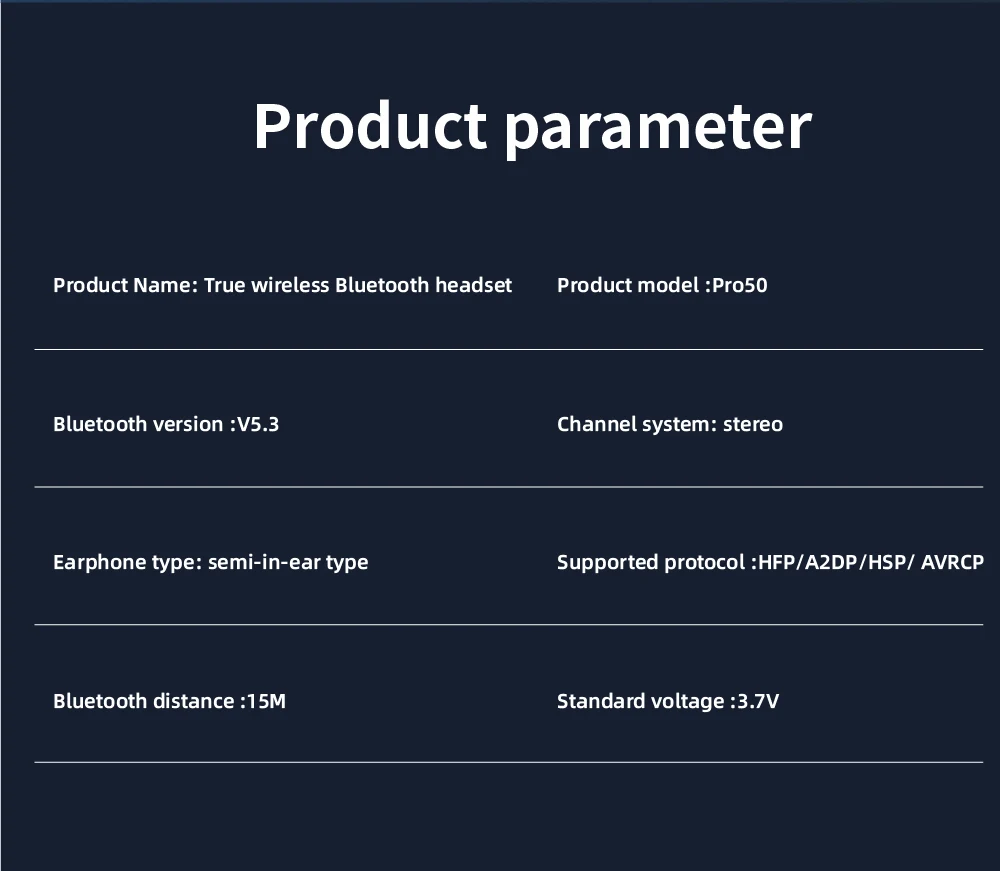
Product parameter
Product name: True wireless Bluetooth headset
Product model :Pro50
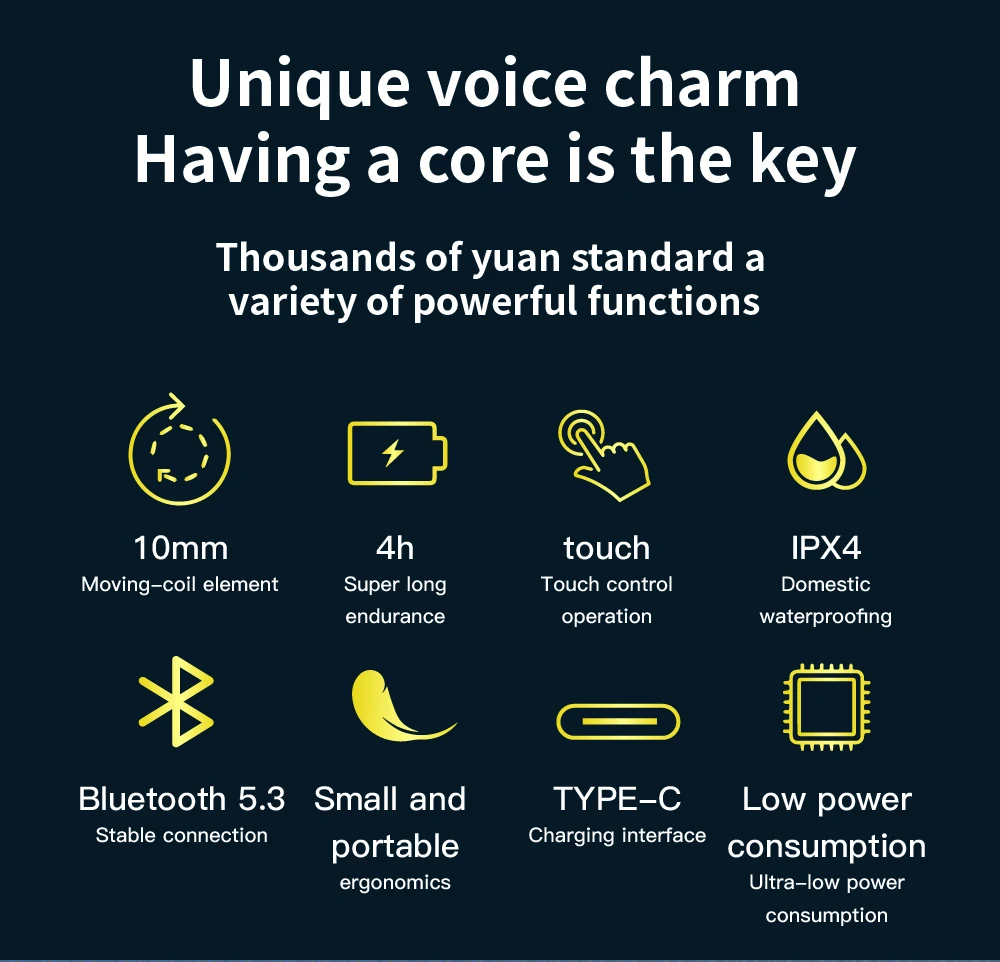
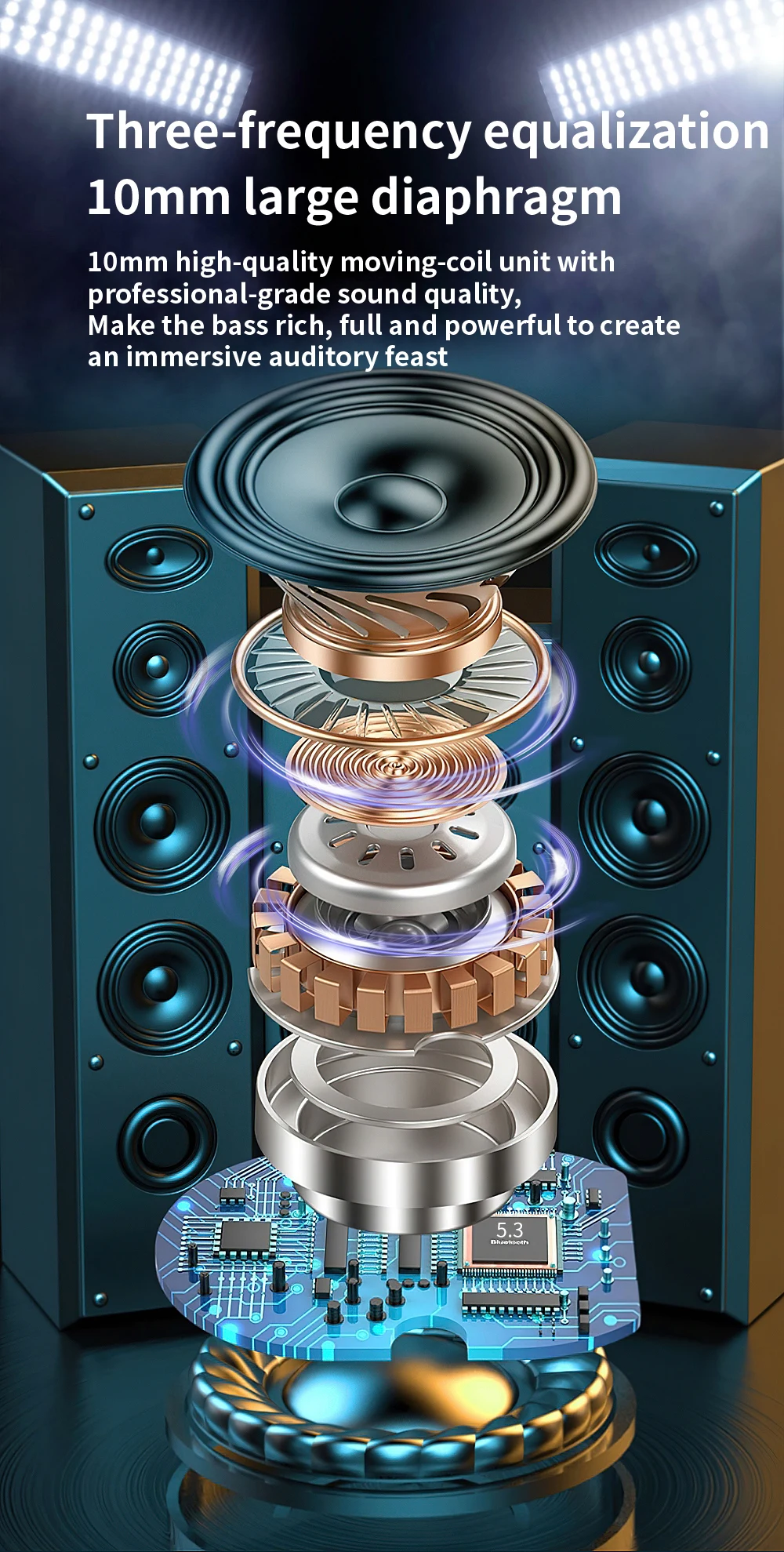
Bluetooth version :V5.3
Channel system: stereo headphones
Type: Semi-in-ear type
Support protocol :HFP/A2DP/HSP/ AVRCP
Bluetooth distance :15M
Standard voltage: 3.7v
Functional instructions
1.Boot
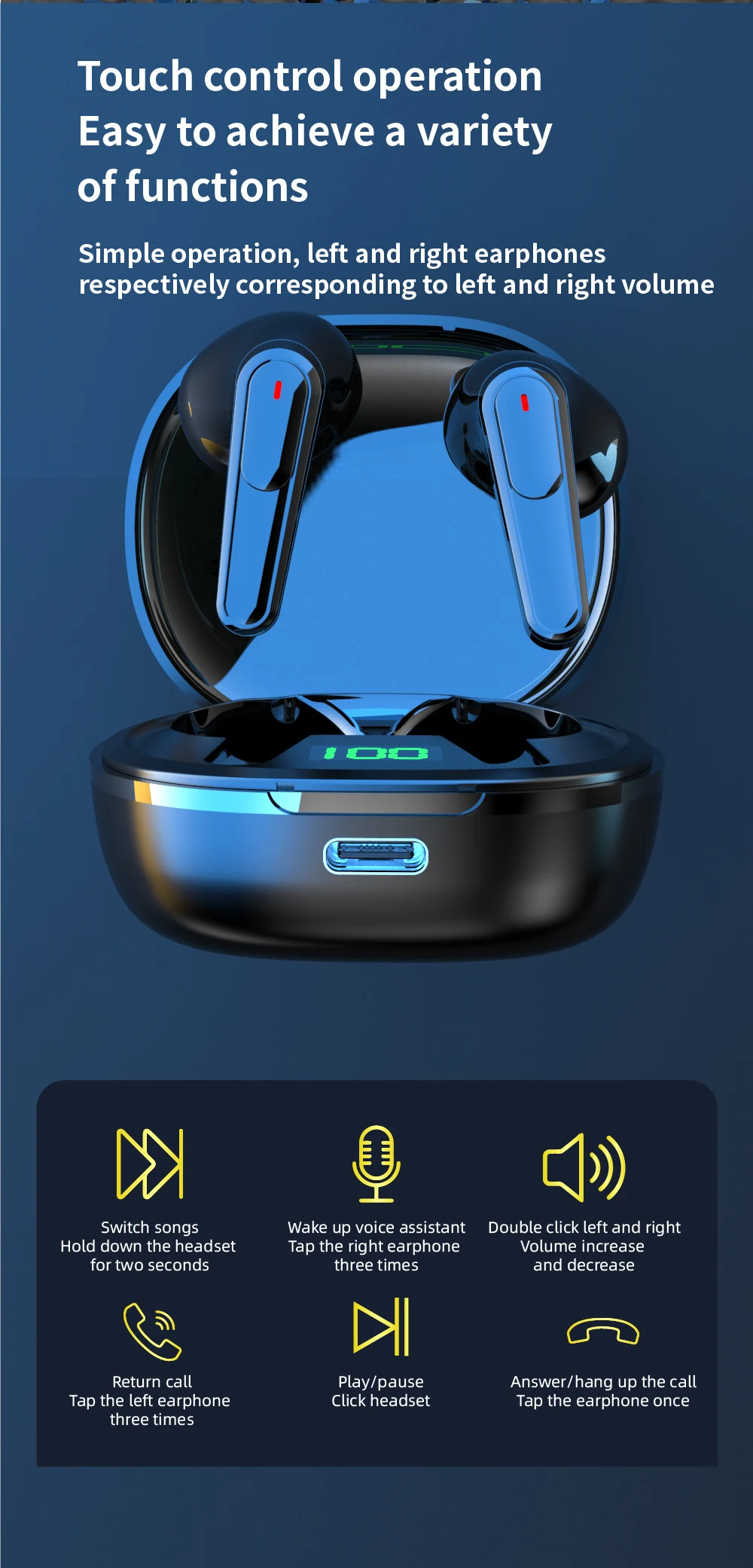
Take the headset out of the charging bin and start it automatically or long press the left and right multi-function button of the headset for 3 seconds.
2. Shut down
Put the earphone into the charging chamber and turn it off automatically. Long press the left and right earphone multifunction keys for 7 seconds to turn it off
3. Boot back
When the pairing is successful, the bluetooth headset will first enter the state of reconnect when the second time is started and automatically reconnect the connected phone.
pairing method
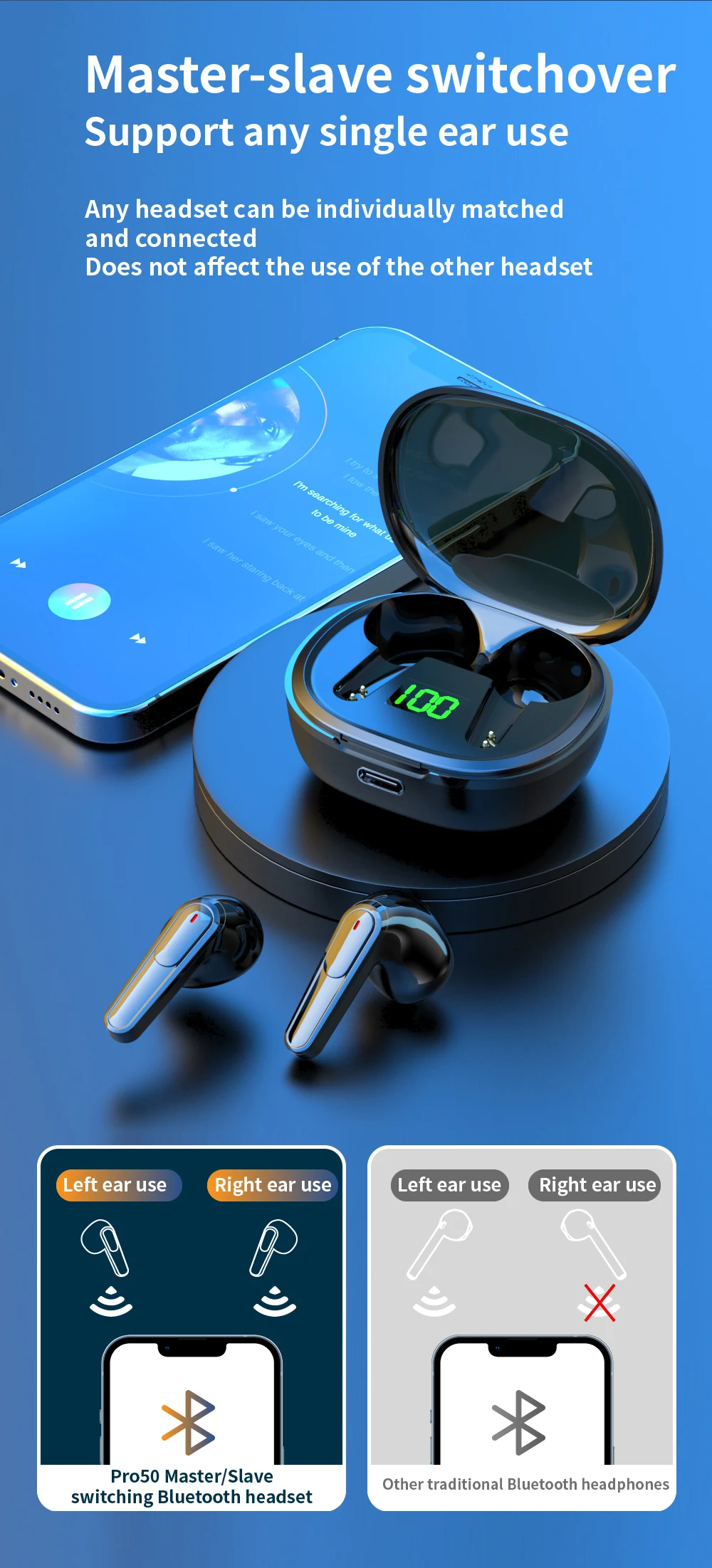
1. Take out from the charging warehouse or press the left and right earphone multifunction button for 3 seconds to start up the headset until the red and blue lights flicker alternately, enter the state of search and pairing for the ear, enter the state of automatic pairing for the ear. After the pairing is successful, the red and blue lights of the main ear (right ear) continue to flicker alternately, while the blue lights of the secondary ear slowly flash, and play the prompt sound of successful pairing for the ear.
2. Start the bluetooth function of mobile phone or other devices. If it is an android phone or device, please click the "search bluetooth device" option. When the model of the bluetooth headset is found, click to enter pairing; After the pairing is successful, the main (right) ear will send out a signal that the connection is successful, and the indicator lights of the left and right earphones will turn to blue light and enter the standby state of connection. After the pairing is successful, the main ear will be the right channel, and the secondary ear will be the left channel.
3. The two earphones can also be paired with the mobile phone independently. The lamp operation method can be operated according to the operation method in step 2 above.
Charging operation
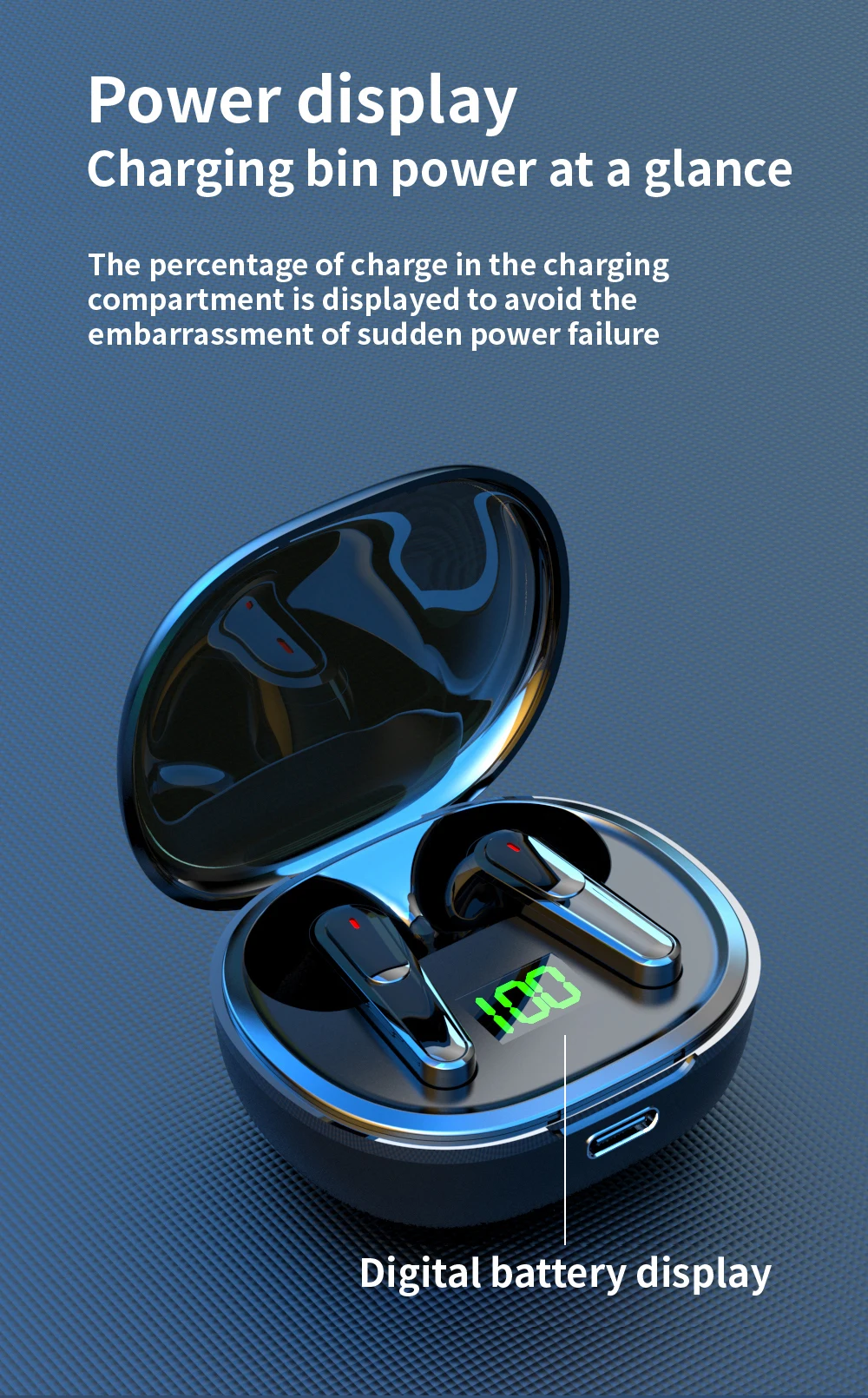
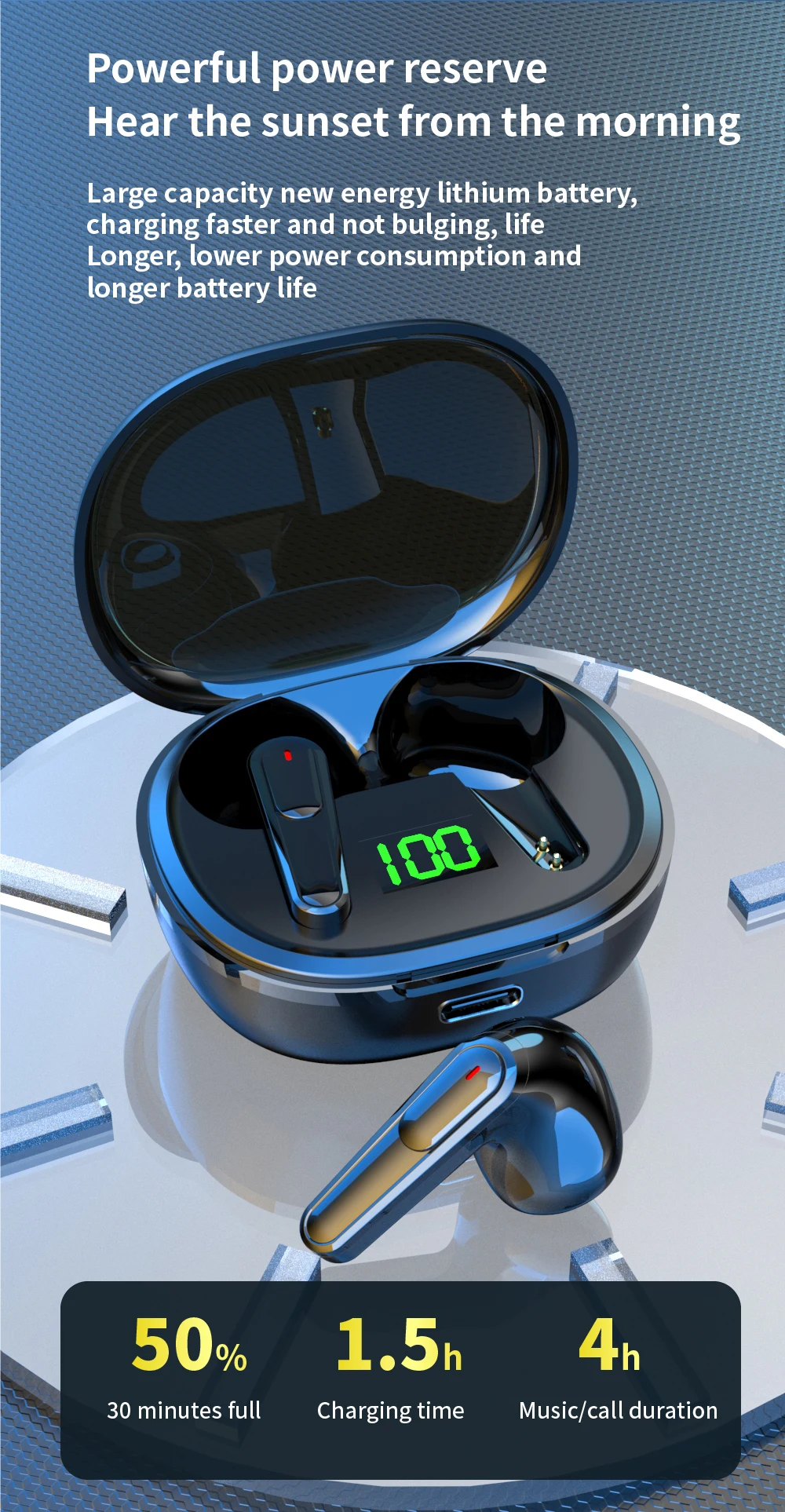
1. When the power of the charging bin is insufficient, the breathing light will flash green. Plug one end of the micro USB charging cable into the USB port of the charging bin. Plug in the charger at the other end to charge the charging chamber. The breathing light will flash red and turn on red after being fully charged
2. Charging the earphone: put the earphone into the charging bin to automatically charge. During charging, the earphone indicator light is red and goes out after being fully charged; When the headset is fully charged, the headset light will go out.
Precautions
1. Please charge in a safe environment. When charging the charging warehouse, please separate the charging warehouse from the USB charging cable as soon as possible after the charging indicator is off, so as to avoid damage to the charging warehouse caused by the long time of charging.
2. When the music is playing, please adjust the music to the appropriate volume to avoid long-term damage to the hearing under the condition of high volume.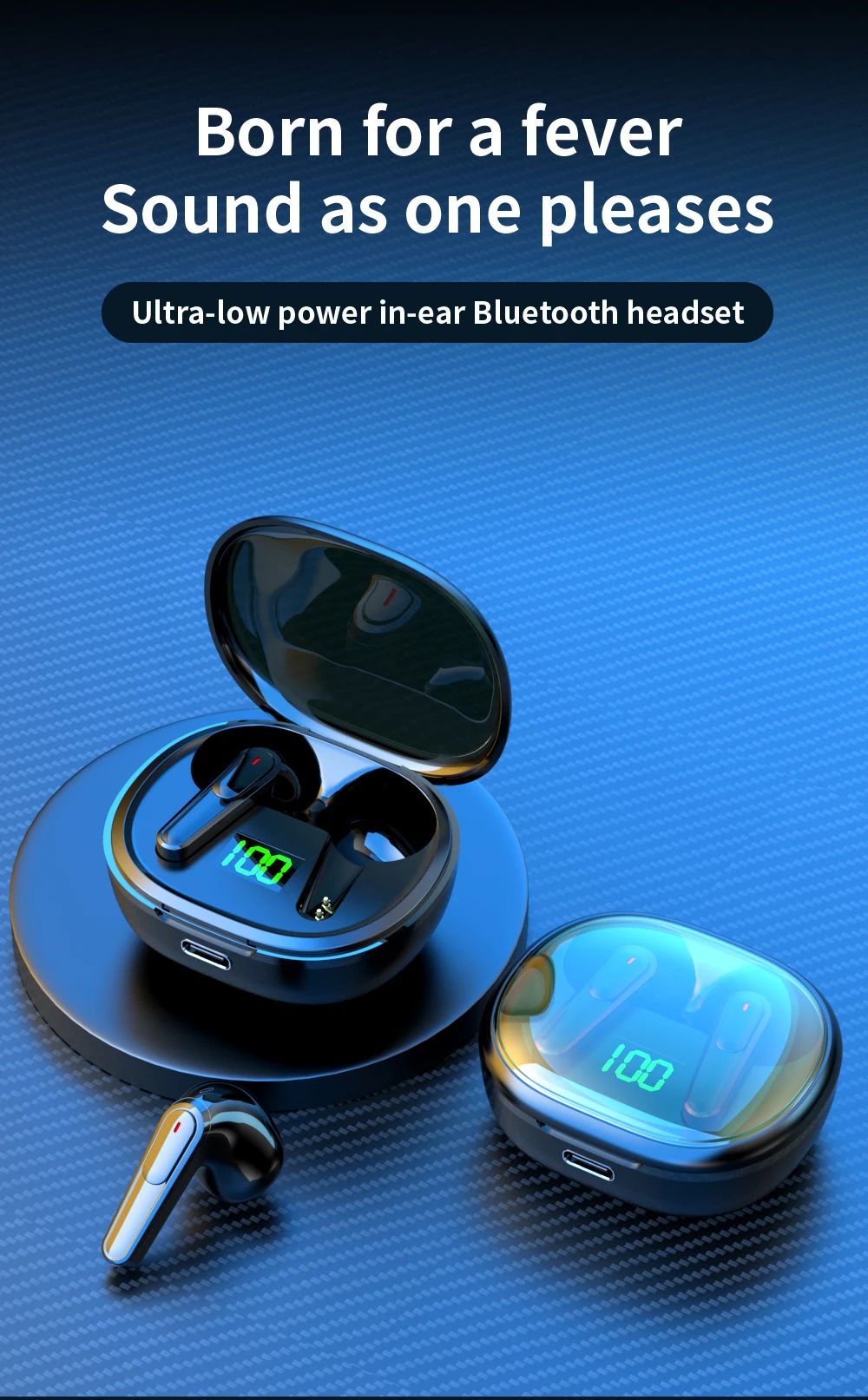

Description
Description
SPECIFICATIONS
Active Noise-Cancellation: Yes
Battery Capacity[mAh]: 200
Battery life up to[hours]: 3.5
Bluetooth Version: 5.1
Brand Name: other
Category: Earphones & Headphones
Charging Method: Charging case
Choice: yes
Communication: WireLess
Connectors: USB
Control Button: Yes
Depth[mm]: 99
Driver Diameter: 12
Earcups Type: Semi-open
Features: Waterproof,With microphone,Active Noice Cancelling
Frequency Response Range: 20 - 20000
Function: for Video Game,Common Headphone
Headphone Pads Material: Other
Height[mm]: 31
High-concerned chemical: None
Impedance Range: up to 32 Ω
Is wireless: Yes
Line Length: 0.2
Magnet Type: Other
Material: ABS,Plastic
NFC Technology: No
Number Of Drivers: 2
Origin: Mainland China
Package List: User Manual,Charging case
Plug Type: Line Type
Resistance: 32
Sensitivity: 45
Sound Isolating: No
Style: Wired in-ear headphones
Support APP: No
Support Memory Card: No
Total Harmonic Distortion: 10
Vocalism Principle: Balanced Armature
Voice assistant built-in: No
Volume Control: Yes
Waterproof: Yes
Weight[g]: 53
Width[mm]: 99
Wireless Type: Bluetooth
With Microphone: Yes
Product parameter
Product name: True wireless Bluetooth headset
Product model :Pro50
Bluetooth version :V5.3
Channel system: stereo headphones
Type: Semi-in-ear type
Support protocol :HFP/A2DP/HSP/ AVRCP
Bluetooth distance :15M
Standard voltage: 3.7v
Functional instructions
1.Boot
Take the headset out of the charging bin and start it automatically or long press the left and right multi-function button of the headset for 3 seconds.
2. Shut down
Put the earphone into the charging chamber and turn it off automatically. Long press the left and right earphone multifunction keys for 7 seconds to turn it off
3. Boot back
When the pairing is successful, the bluetooth headset will first enter the state of reconnect when the second time is started and automatically reconnect the connected phone.
pairing method
1. Take out from the charging warehouse or press the left and right earphone multifunction button for 3 seconds to start up the headset until the red and blue lights flicker alternately, enter the state of search and pairing for the ear, enter the state of automatic pairing for the ear. After the pairing is successful, the red and blue lights of the main ear (right ear) continue to flicker alternately, while the blue lights of the secondary ear slowly flash, and play the prompt sound of successful pairing for the ear.
2. Start the bluetooth function of mobile phone or other devices. If it is an android phone or device, please click the "search bluetooth device" option. When the model of the bluetooth headset is found, click to enter pairing; After the pairing is successful, the main (right) ear will send out a signal that the connection is successful, and the indicator lights of the left and right earphones will turn to blue light and enter the standby state of connection. After the pairing is successful, the main ear will be the right channel, and the secondary ear will be the left channel.
3. The two earphones can also be paired with the mobile phone independently. The lamp operation method can be operated according to the operation method in step 2 above.
Charging operation
1. When the power of the charging bin is insufficient, the breathing light will flash green. Plug one end of the micro USB charging cable into the USB port of the charging bin. Plug in the charger at the other end to charge the charging chamber. The breathing light will flash red and turn on red after being fully charged
2. Charging the earphone: put the earphone into the charging bin to automatically charge. During charging, the earphone indicator light is red and goes out after being fully charged; When the headset is fully charged, the headset light will go out.
Precautions
1. Please charge in a safe environment. When charging the charging warehouse, please separate the charging warehouse from the USB charging cable as soon as possible after the charging indicator is off, so as to avoid damage to the charging warehouse caused by the long time of charging.
2. When the music is playing, please adjust the music to the appropriate volume to avoid long-term damage to the hearing under the condition of high volume.
Item Specifics
Item Specifics


Have a Question?
Testimonials
Great Selection and Fast Shipping!One of the best companies in terms of service and commitment. Excellent
service, high quality, speed of completion, and a professional and
cooperative team. A great experience, and I confidently recommend
dealing with them.
- Ahmed Askar
One of the best companies in terms of service and commitment. Excellent
service, high quality, speed of completion, and a professional and
cooperative team. A great experience, and I confidently recommend
dealing with them.
- Ahmed Askar
Excellent Customer Service!I had an issue with my order, and I contacted the customer service team for assistance. I was pleasantly surprised by their prompt response and willingness to help resolve my issue. They were courteous and professional throughout the entire process, and they went above and beyond to ensure my satisfaction. Kudos to the customer service team for their exceptional service!
- Hani Ahmed
I had an issue with my order, and I contacted the customer service team for assistance. I was pleasantly surprised by their prompt response and willingness to help resolve my issue. They were courteous and professional throughout the entire process, and they went above and beyond to ensure my satisfaction. Kudos to the customer service team for their exceptional service!
- Hani Ahmed
Best Prices Around!Their service is fast, professional, and their equipment is reliable. I
loved dealing with them and recommend trying their products and services
👍
- Ahmed Fuad
Their service is fast, professional, and their equipment is reliable. I
loved dealing with them and recommend trying their products and services
👍
- Ahmed Fuad
Impressive teamMy experience with Tam Store was excellent from the very first moment — the team was helpful and patiently walked me through every detail before I made my decision. Their laptop repair service was professional in every sense — they diagnosed the issue quickly, and I never had to come back for the same problem. Even the products I bought from them are 100% genuine, and the prices are competitive compared to other stores I've tried before. Tam Store is now my go-to place for buying any device or getting my laptop serviced 👌
- Ashwaq Musallam
My experience with Tam Store was excellent from the very first moment — the team was helpful and patiently walked me through every detail before I made my decision. Their laptop repair service was professional in every sense — they diagnosed the issue quickly, and I never had to come back for the same problem. Even the products I bought from them are 100% genuine, and the prices are competitive compared to other stores I've tried before. Tam Store is now my go-to place for buying any device or getting my laptop serviced 👌
- Ashwaq Musallam
